Hands-on Tutorial
Create a Branded Single Image Ad with AI
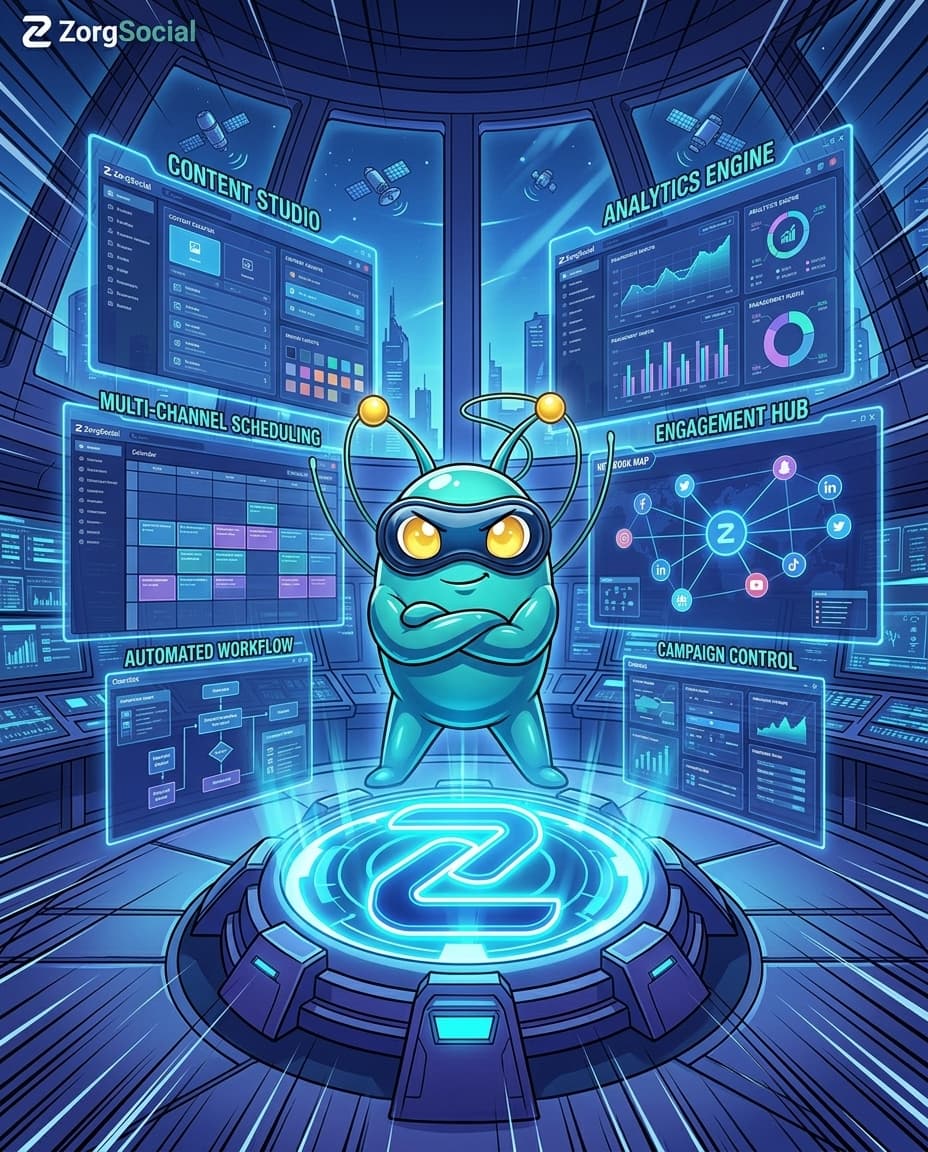
Scenario
A ZorgSocial user creating a manga/anime-style branded key visual for Facebook — featuring the Zorg mascot and logo — using the AI Image Creator to showcase platform depth.
 Single ImageRelated format
Steps
Define Your Concept
Decide what your image should communicate and in what style. For this tutorial: a manga/anime-style branded key visual showing the depth of ZorgSocial — the Zorg mascot in a heroic pose at the center of a futuristic sci-fi command hub, with holographic dashboards representing every platform feature.
Attach Reference Images
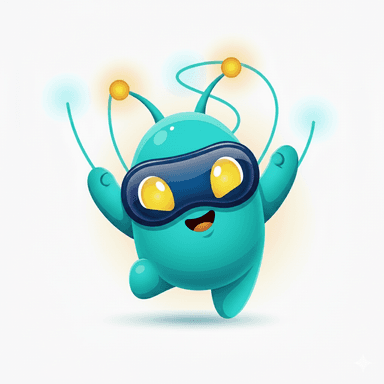
In ZorgSocial AI Image Creator, upload your brand reference assets before writing the prompt. Attach the ZorgSocial logo and the Zorg mascot so the AI preserves their visual identity in the output. The more precise your references, the more on-brand the result.

Write the Generation Prompt
Craft a detailed prompt. Be specific about style (manga/anime), pose (heroic, central), environment (futuristic sci-fi command hub with layered holographic dashboards: content creation, scheduling, analytics, engagement, AI automation, publishing pipelines), color palette (neon cyan, blue, purple), and composition (Facebook 4:5). Example: "Create a high-impact manga and anime style branded key visual… Zorg mascot in a confident heroic pose at the center of a vast futuristic sci-fi command hub… multiple layered holographic interfaces… neon cyan/blue/purple highlights… optimize for Facebook 4:5 feed post."
Configure Generation Settings
Select the image generation tool — use nanobanana2_generate_image for fast concept exploration or nanobanana_pro_generate_image for the highest quality final output. Set the aspect ratio to 4:5 for a Facebook feed post. Confirm your reference images are attached, then approve to proceed.
Generate & Review
Approve the settings and generate. Review the output for brand consistency: check logo legibility, mascot recognizability, holographic depth, and overall visual impact. If needed, refine the prompt and regenerate. When satisfied, download or publish directly from ZorgSocial.
Try It Now
Build this ad in ZorgSocial
Use the AI-powered Image Generator to apply what you learned in this tutorial.